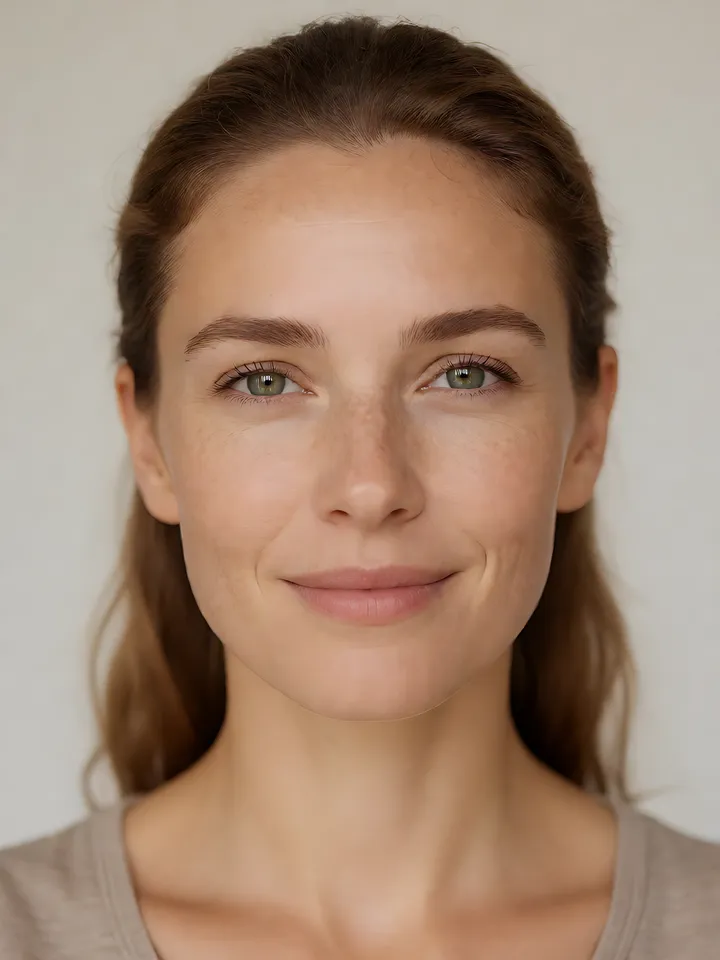
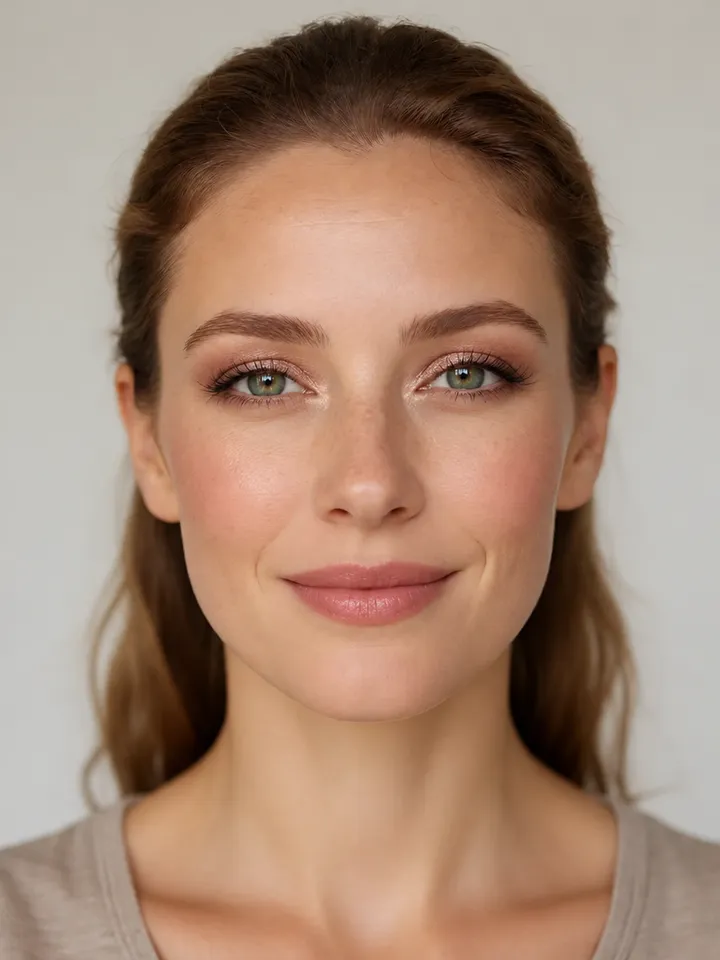
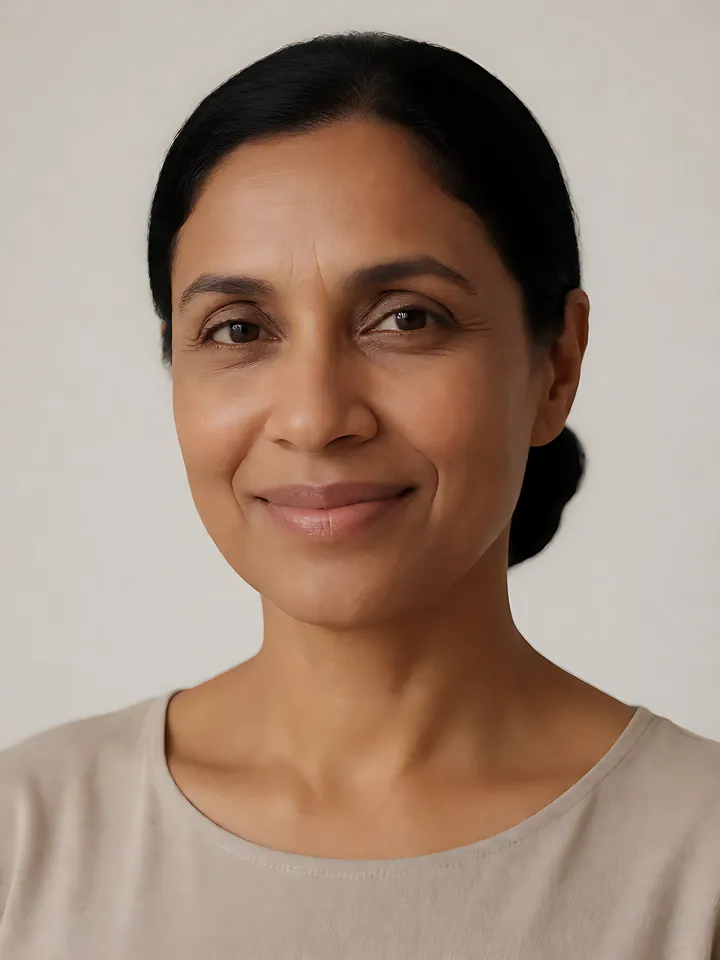
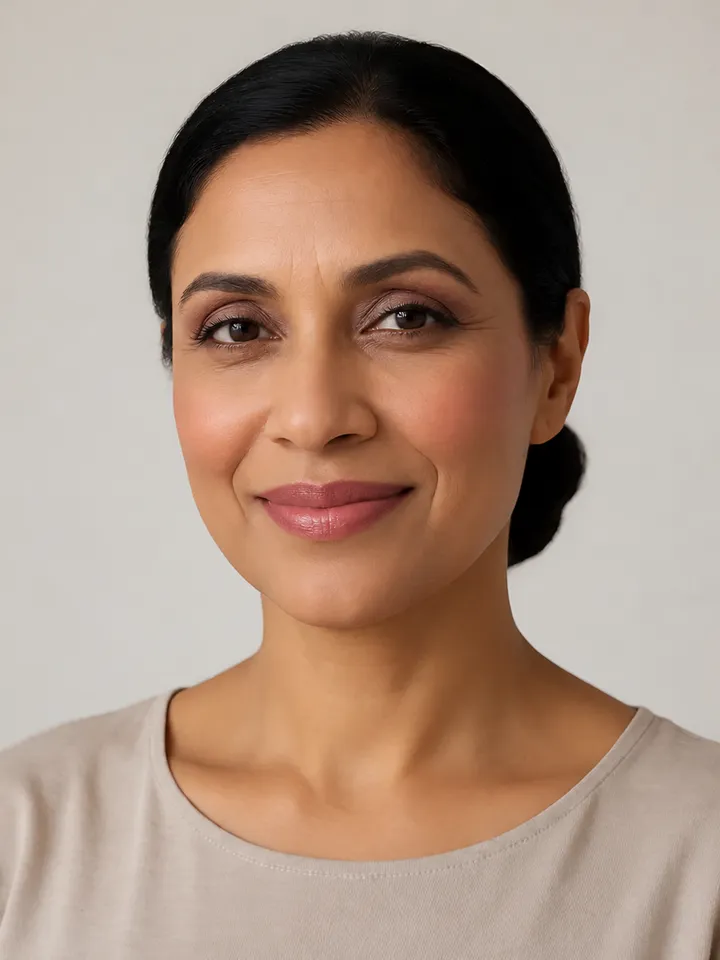
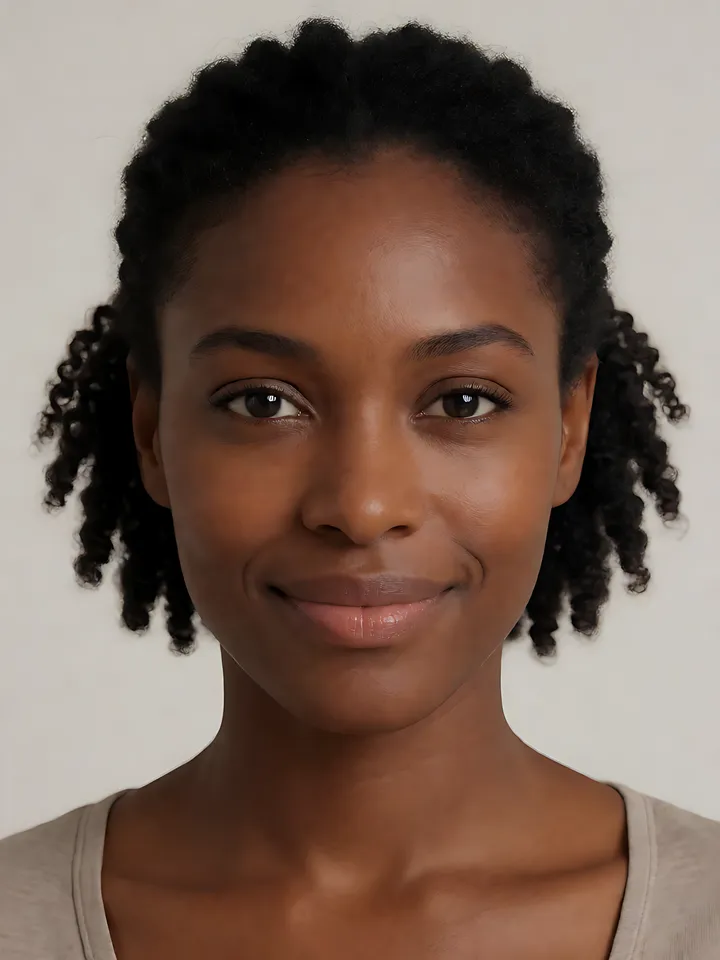
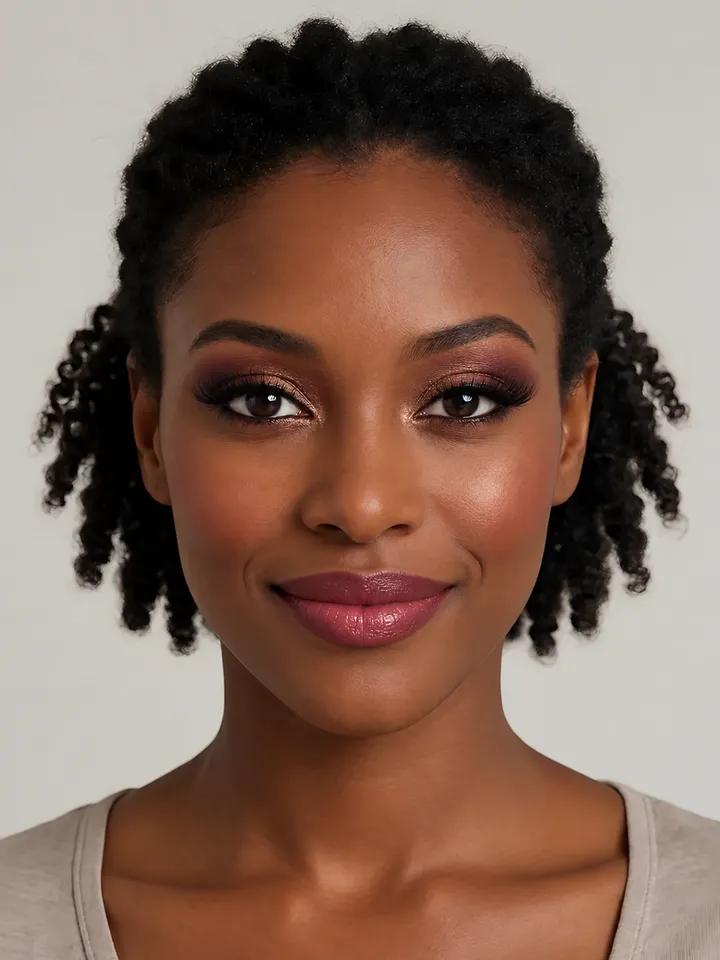
For the clearest AI makeup preview, use a sharp, front-facing photo in soft daylight with your whole face visible, hair off your face, no beauty filters and only you in the frame. In Lookslate you can take the selfie in the quiz or upload a photo of up to 20 MB.
Light
Face a window or another soft light source. Even light shows where makeup is applied.
Avoid strong light from behind you; it puts your face in shadow.
Avoid harsh overhead light that casts shadows under the eyes and nose.
Turn off the flash if possible; it flattens features and adds glare.
Angle and framing
Hold the camera at eye level and look straight into the lens.
Keep your whole face in the frame, from hairline to chin, with a little space around it.
Pull hair away from your face so your eyes, brows and cheeks are visible.
Glasses can hide eye makeup and add reflections; the preview is easier to judge without them.
A relaxed, neutral expression or soft smile shows the lips and cheeks clearly.
Make sure you are the only person in the photo.
Filters and existing makeup
Turn off beauty filters, portrait retouching and skin smoothing. They change your skin texture and color before the preview is made, so the result says less about how the look would appear on you. Bare skin or light makeup gives the most useful comparison.
What Lookslate does with your photo
You can take a selfie with your camera in the quiz or upload an image file up to 20 MB.
Your browser resizes the photo to at most 1280 pixels on its longest side and converts it to JPEG before upload.
The image service is asked to change only the makeup and to keep your identity, face shape, skin tone, hair, clothing, pose and background.
Generated previews can vary and may contain errors. They show a possible style, not a guaranteed result.
Read the Privacy Policy for how photos and results are stored and who can see a result link.
Prefer not to upload a photo?
You can choose a sample model in the quiz instead: an AI-generated person shown with the look already applied, so no photo of you is used or sent anywhere.
Frequently asked questions
What makes a good photo for virtual makeup try-on?
A sharp, front-facing photo in soft daylight, with your whole face visible, hair away from your face, no beauty filter and nobody else in the frame.
How large can my photo be?
Lookslate accepts image files up to 20 MB. The browser resizes the photo to at most 1280 pixels on its longest side before uploading it.
Can I try looks without uploading my own photo?
Yes. Choose a sample model in the quiz, an AI-generated person, and see your look on her face.
Soft glam is a polished but gentle look: an even, luminous base, warm-brown and rose eyeshadow blended until no edge shows, fluttery lashes, diffused rosy blush and a satin pink-nude lip.
The business look is polished daytime makeup: light, even coverage, neutral taupe or soft brown eyes, a thin line at the lashes, groomed brows, soft rose blush and a muted rose lip.
Evening glam is a fuller, more defined look built for low, warm evening light and flash photography: shimmer-lit eyes with a deeper outer corner, liner and sculpted lashes, highlighted cheekbones and a rich rose lip.
All faces shown are AI-generated fictional models, not real people.
Related guides
A simple makeup routine for beginnersA simple beginner makeup routine in the right order, from skin prep and base to brows, mascara, blush and lips, with a starter kit and key techniques.
Makeup shades for your skin toneBlush, lip and eyeshadow shade families for fair, light, medium, tan, dark and deep skin, plus how to check your undertone and match foundation.