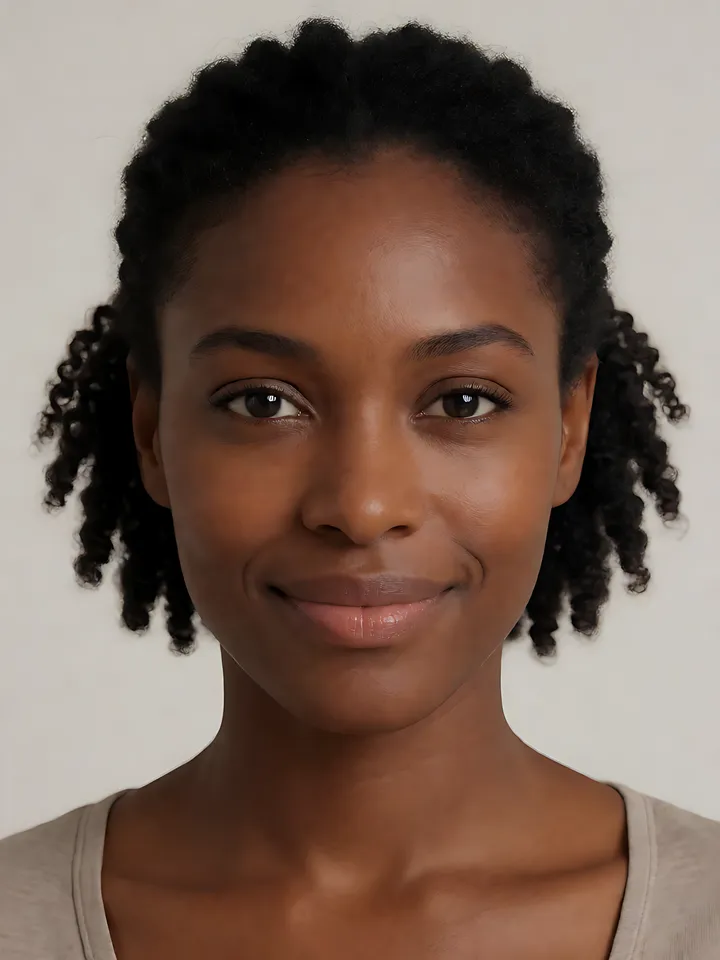
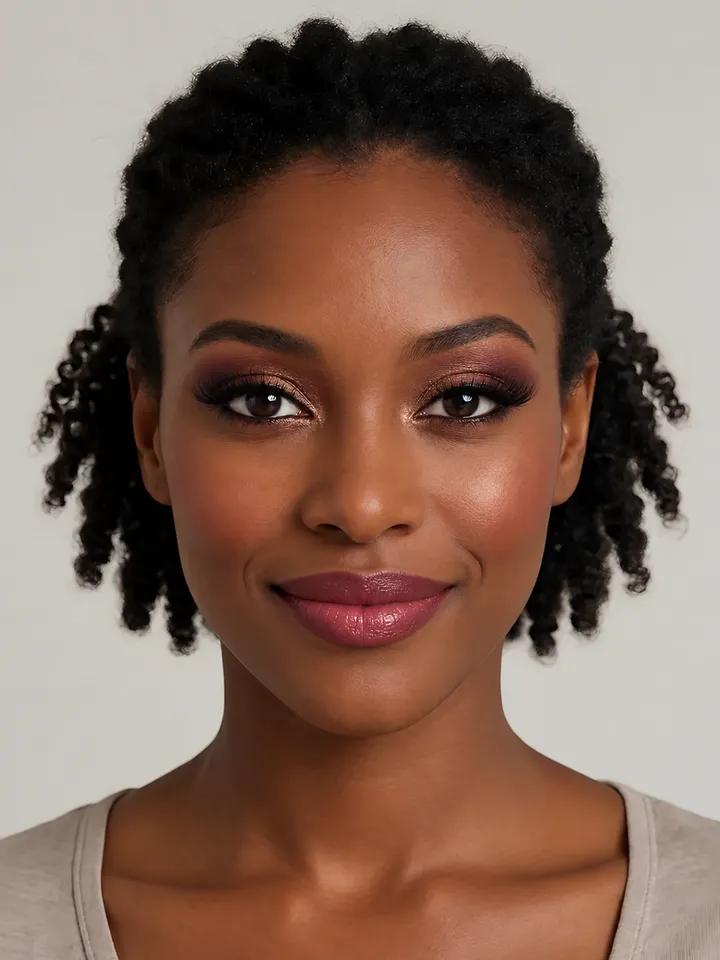
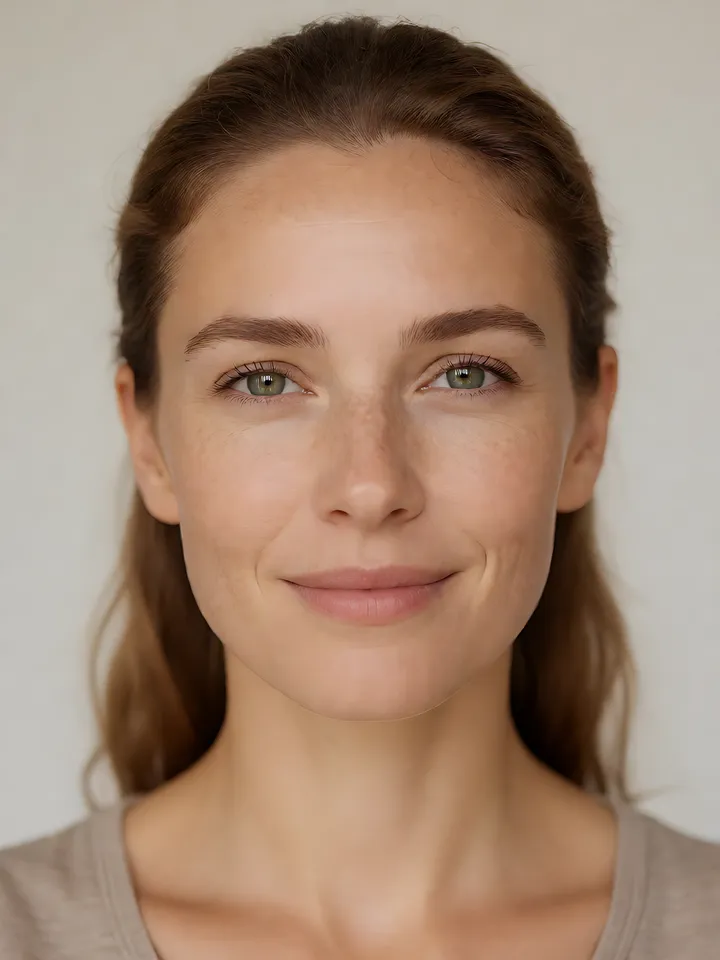
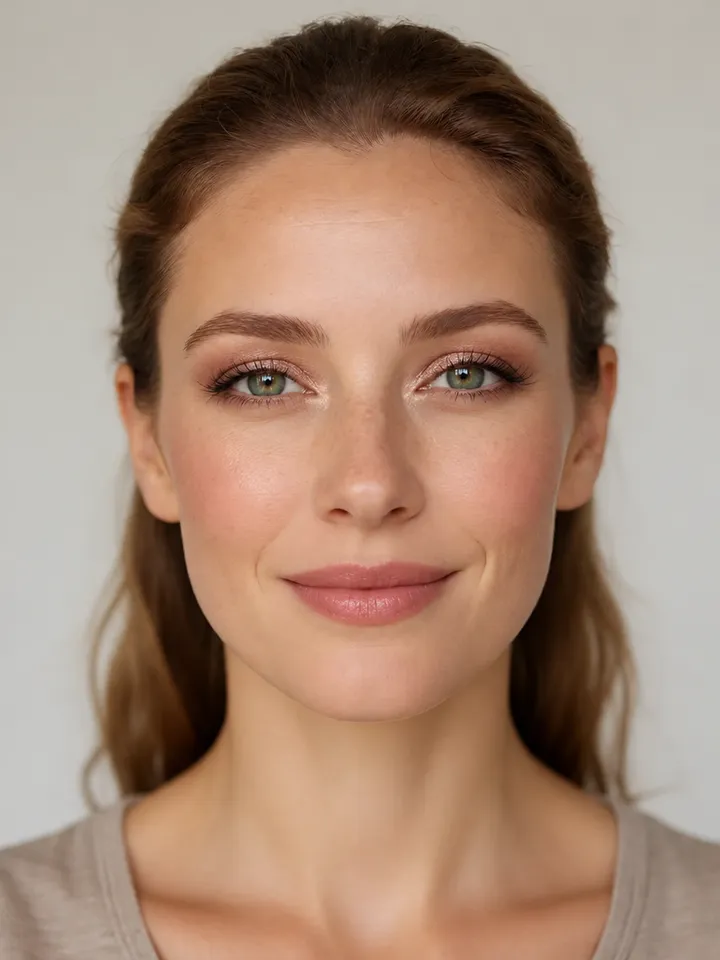
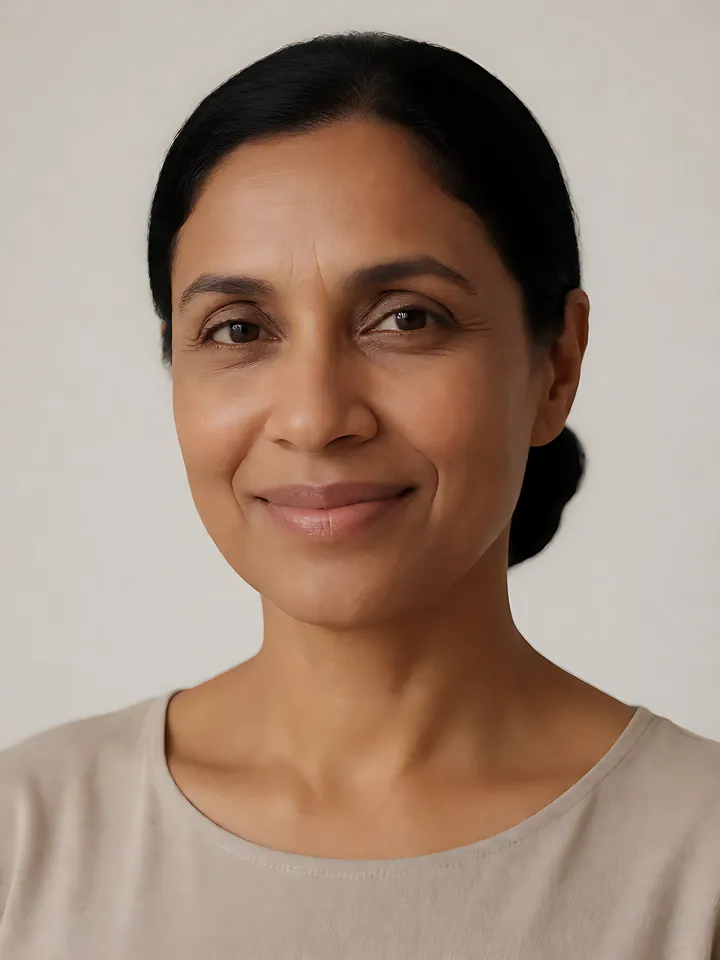
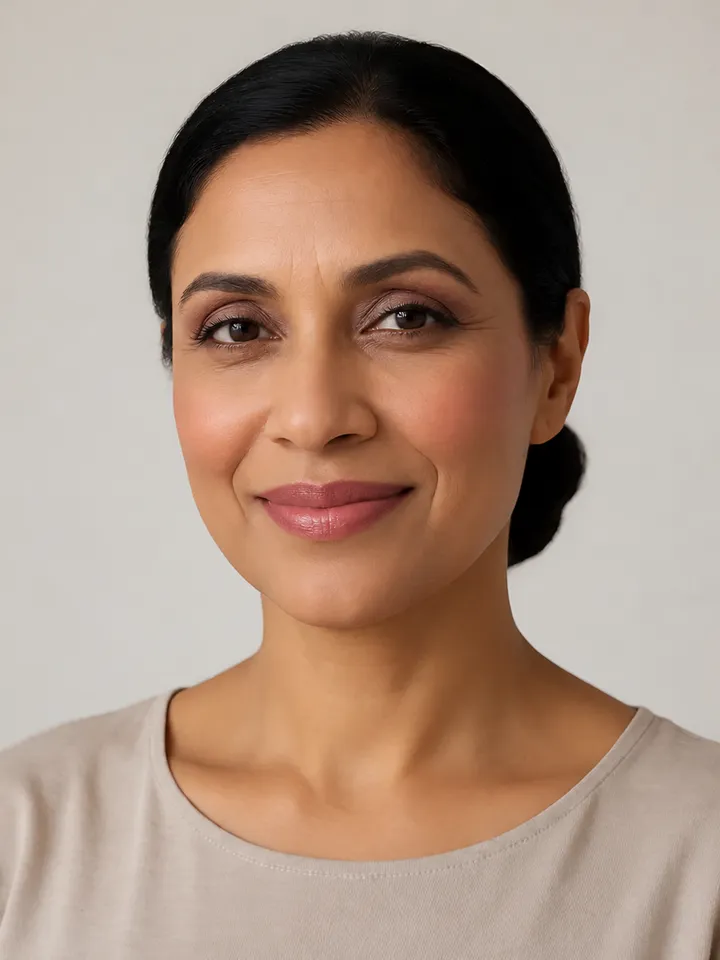
Cameras flatten features and exaggerate shine, so makeup for photos needs a little more definition and less shine than in person: a matte or satin base set where you get shiny, filled brows, defined lashes, a touch more blush and a slightly stronger lip. Test products with your phone flash first, because some powders and high-SPF products can look white in flash photos.
What the camera changes
Flattening. A camera, especially with flat front light, reduces the shadows that give the face shape, so soft makeup can disappear.
Shine. Oil and heavy shimmer read as bright patches in photos.
Flash. Flash can bounce off some setting powders and high-SPF products and look white or ghostly in the picture.
Color shifts. Warm indoor light and phone processing can mute or shift colors, so a lip that looks strong in the mirror can look pale on screen.
Step by step
Base: a thin layer of satin or matte foundation in a shade that matches your neck and chest, so the face does not look lighter than the body in photos.
Set the shine: press a little powder onto the T-zone and blot during the day. If photos will use flash, choose a powder you have tested with flash.
Brows: fill gaps so the brows read clearly; they frame the face in every photo.
Eyes: a little more definition than usual: a matte transition shade, liner close to the lashes and two coats of mascara.
Cheeks: a touch more blush than you would wear day to day, blended well; keep highlighter to the very top of the cheekbones.
Lips: a shade slightly deeper or brighter than your everyday lip, with a liner for a clean edge.
Test before it counts
Take a test photo in the same kind of light you will be photographed in: with flash if there will be flash, near a window for daylight. Check for white cast under the eyes, shine on the forehead and nose, and whether the lip and blush still show. Adjust, then take another.
Video calls
Video calls flatten features in the same way. Fill the brows, add mascara and a bit more blush, blot shine and sit facing soft light. The Business look has a section on adjusting makeup for video calls.
How this connects to Lookslate
Evening Glam is built for low light and flash photos, and Soft Glam suits portraits and event photos. Lookslate previews a look on a photo of you; for a clear preview, use a photo with bare skin or light makeup and no flash, as the selfie guide explains.
Frequently asked questions
How do I do makeup that looks good in photos?
Use a matte or satin base matched to your neck, set the shine, fill the brows, add a little more eye definition, blush and lip color than usual, and test with a photo in the same light.
Why does my face look white in flash photos?
Some setting powders and high-SPF products reflect flash and look white in the picture. Take a test photo with flash before the event and switch products if you see a white cast.
Should I wear shimmer for photos?
A little, on the top of the cheekbones or the center of the lid. Heavy shimmer and an oily T-zone read as shine in photos.
How much more makeup do I need for photos?
Only a little: slightly more definition on the brows, eyes, cheeks and lips. Keep the base thin; heavy foundation shows more in photos, not less.
Evening glam is a fuller, more defined look built for low, warm evening light and flash photography: shimmer-lit eyes with a deeper outer corner, liner and sculpted lashes, highlighted cheekbones and a rich rose lip.
Soft glam is a polished but gentle look: an even, luminous base, warm-brown and rose eyeshadow blended until no edge shows, fluttery lashes, diffused rosy blush and a satin pink-nude lip.
The business look is polished daytime makeup: light, even coverage, neutral taupe or soft brown eyes, a thin line at the lashes, groomed brows, soft rose blush and a muted rose lip.
All faces shown are AI-generated fictional models, not real people.
Related guides
How to take a selfie for a virtual makeup try-onHow to take a photo for a clear AI makeup preview: light, angle, framing and filters, plus file limits, what happens to your photo and sample faces.
How to make makeup last all dayMake makeup last all day: prep and primer for your skin type, thin layers, strategic powder, lid primer, long-wear formulas, setting spray and touch-ups.